


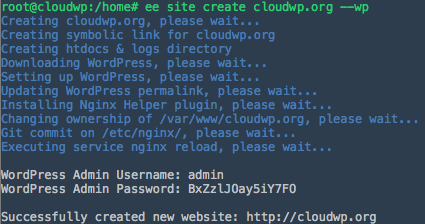
Sign up For Amazon and Follow these steps
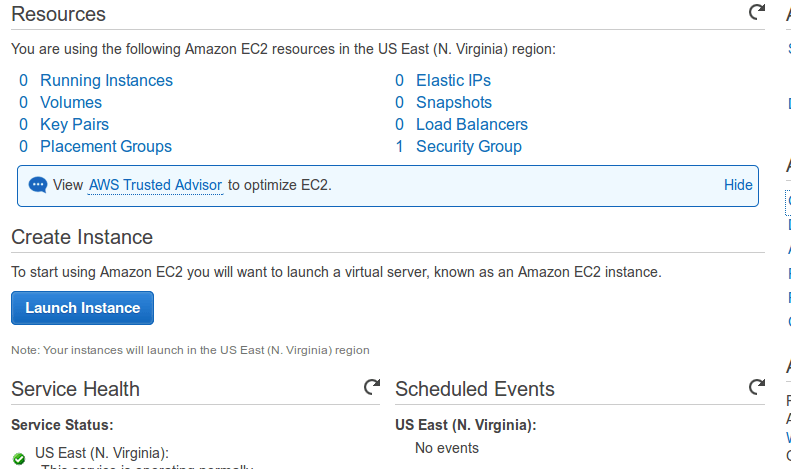
- Launch New Instance
Click on Launch Instance to start your amazon EC2 Instance Launch.
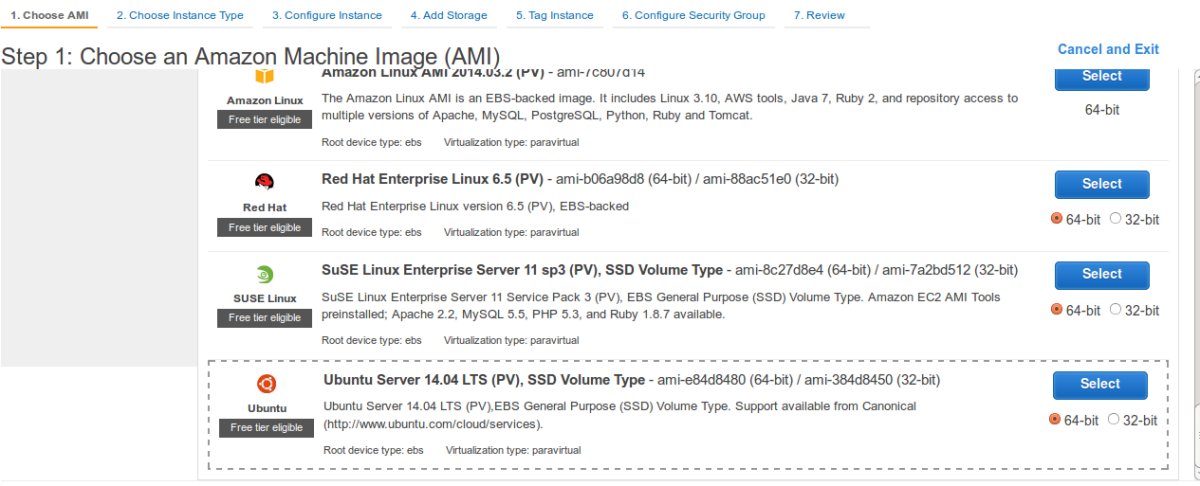
- Select AMI (Linux Distribution Image your server will be Running on).Select Ubuntu or Debian Images as EasyEngine supports these only.
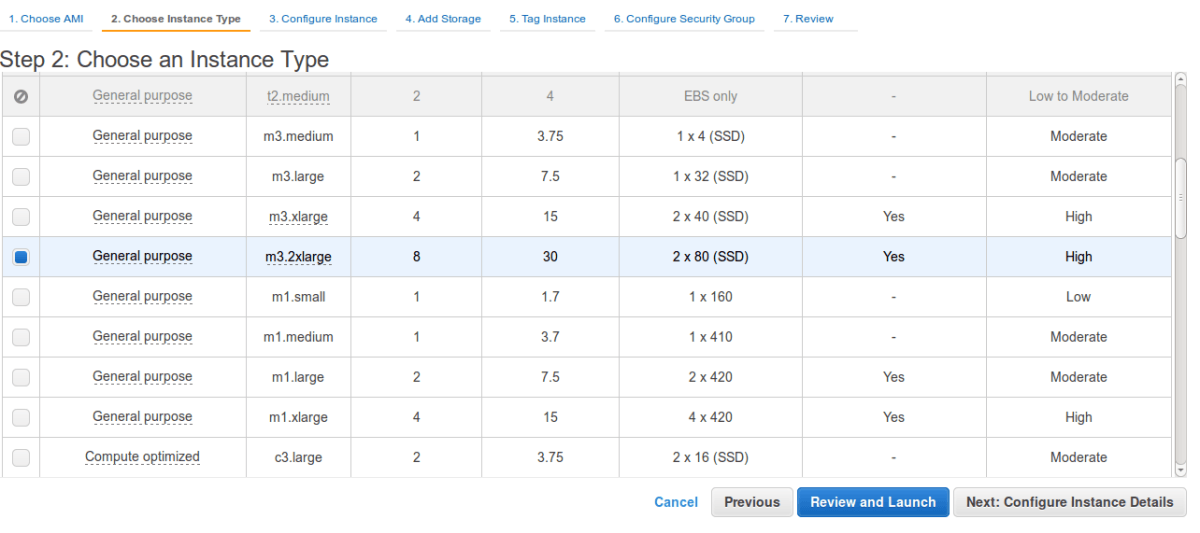
- Select Instance TypeHere select instance type as per your website needs server configuration. Like RAM, Storage..etc
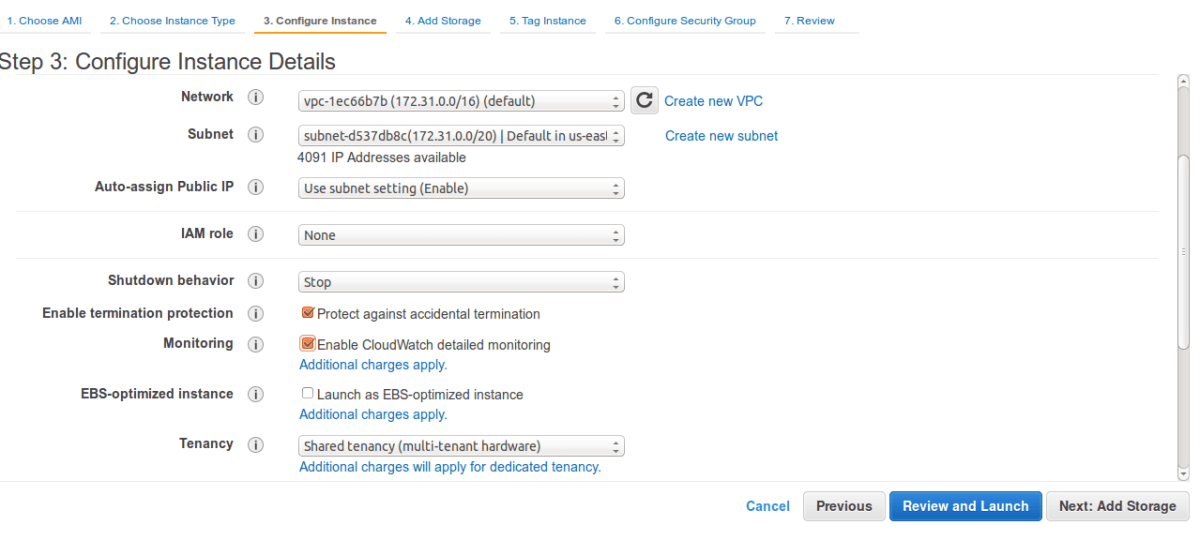
- Configure Instance DetailsHere you should select Shutdown Behaviour as Stop Otherwise your instance will get terminated on shutdown/reboot.
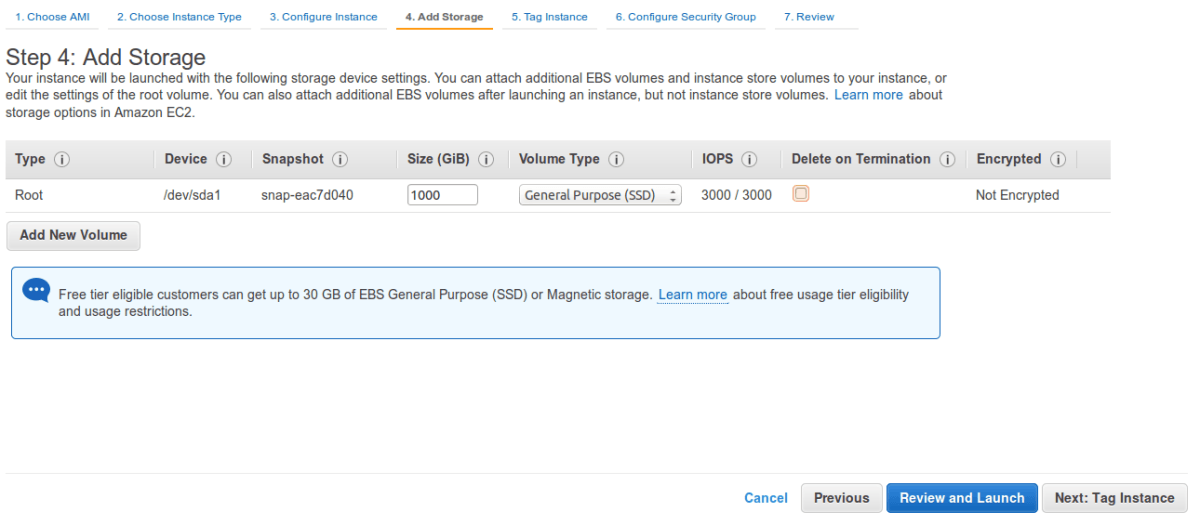
- Add StorageHere Add Storage to your instance
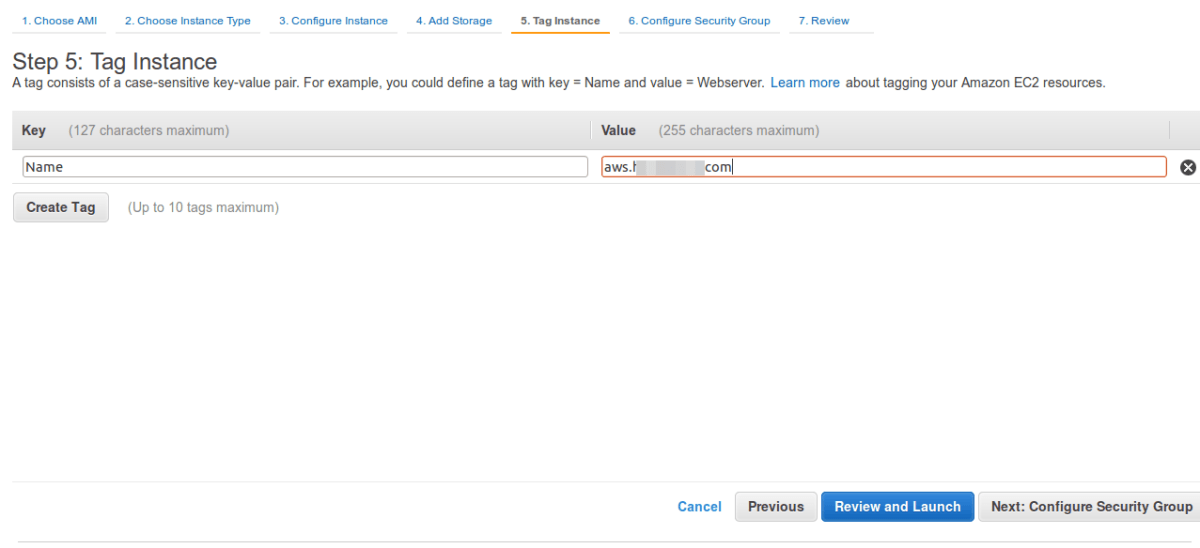
- Tag Your InstanceGive name to your instance
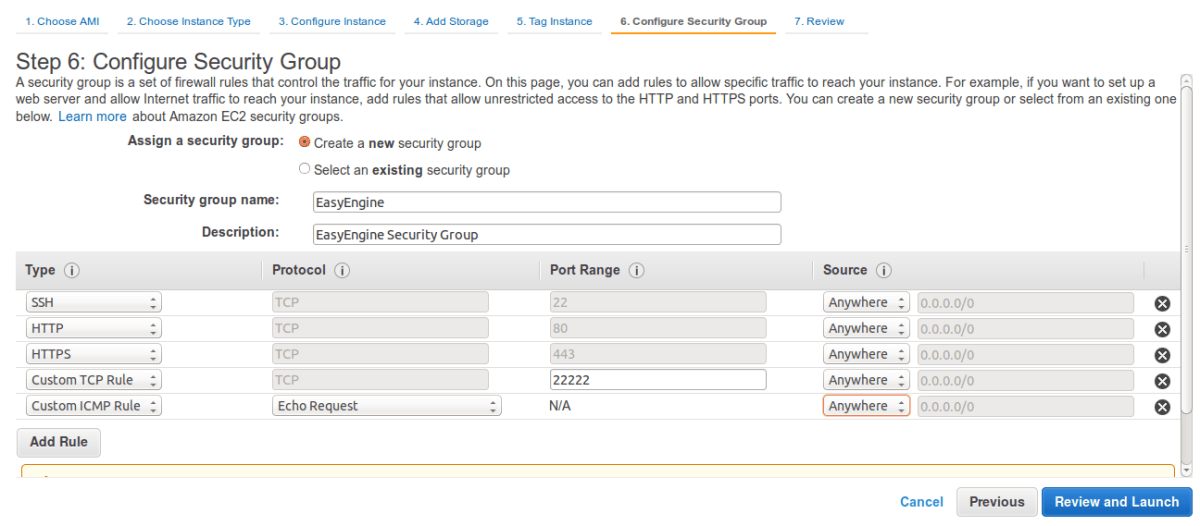
- Configure Security GroupHere you need to specify the ports you want to keep open
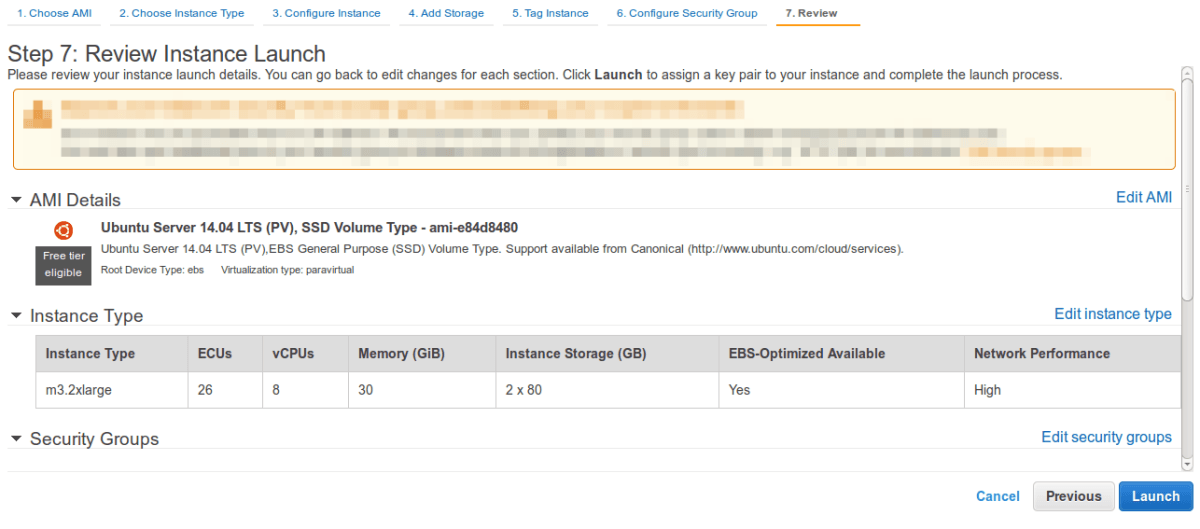
- Review your New Instance Configuration
- Click on launch instance and download the PEM Key given by AWS.
- Login To your serverUsing SSH you can login to your server in following way
#Change permission of key file chmod 600 key.pem #Connect to instance ssh -i key.pem ubuntu@<public-ip-of-ec2> - Next Step is to Install EasyEngine On your Fresh Droplet
Supported distributions
- Ubuntu 12.04, 14.04 and 16.04
- Debian 7 and 8
Port requirements
- 22/TCP (Inbound/Outbound) : Standard SSH port
- 80/TCP (Inbound/Outbound) : Standard HTTP port
- 443/TCP(Inbound/Outbound) : Standard HTTPS port
- 22222/TCP (Inbound) : To access EasyEngine admin tools
- 11371/TCP (Outbound) : To connect to GPG Key Server
Launch/Deploy/Create Server Instance
Launch/Deploy/Create your server instance with your hosting provider
Follow these guide or skip to Quick Setup If you are already done.
Quick Setup
Here are the quick commands to setup EasyEngine on your server and making your site Live
- First command installs EasyEngine on your server.
- Second command installs necessary stack and creates Single WordPress Site with domain example.com
Just paste following commands in your shell
wget -qO ee rt.cx/ee && sudo bash ee     # install easyengine
sudo ee site create awsgood.com --wp     # install wordpress on awsgood.com
To view your site in browser just point your domain to server.