
EC2 Spot Instance Pricing vs On-Demand: Commit Without Regret
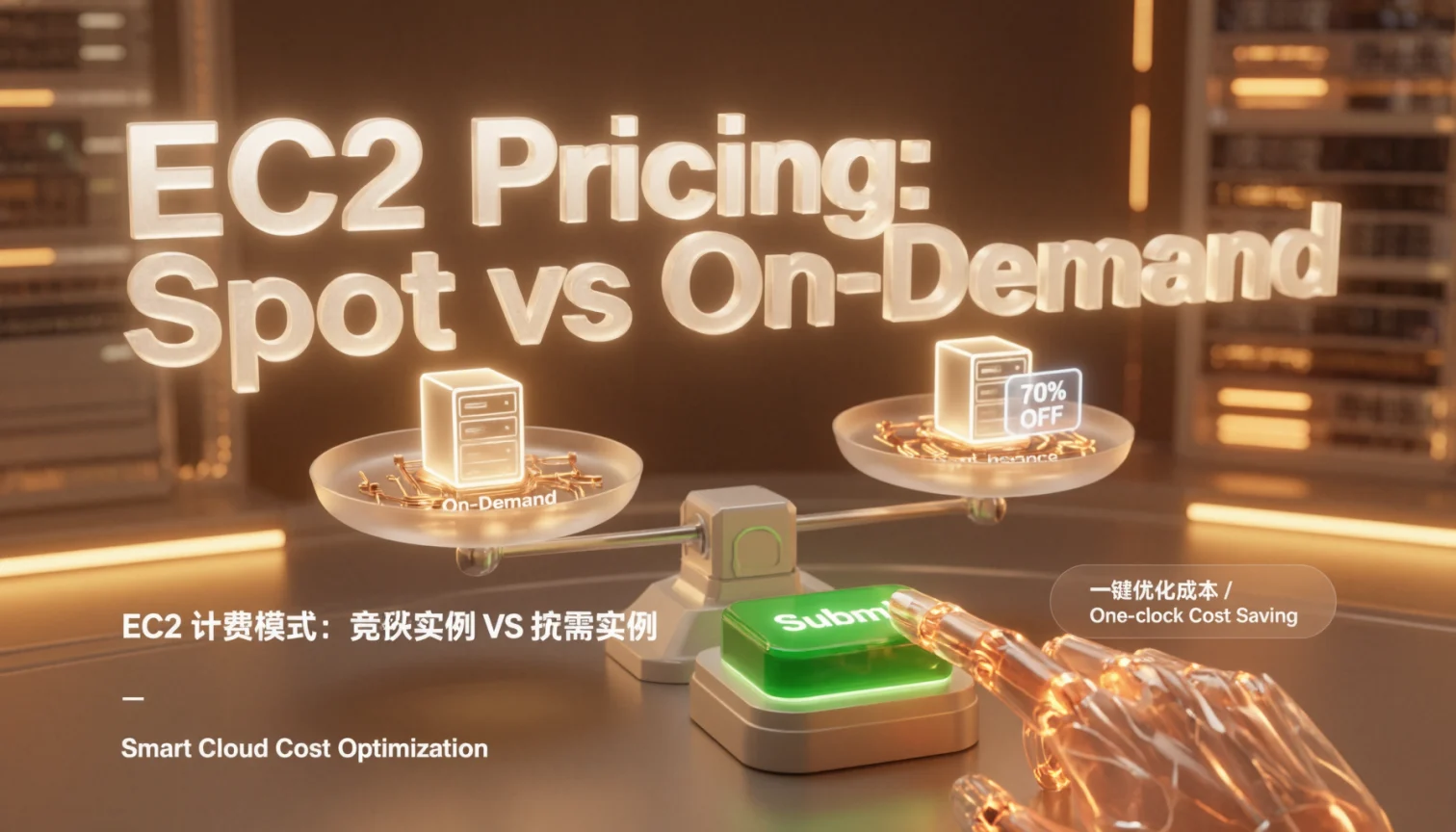
TL;DR
- Spot is not a discount tier you enable — it’s a separate capacity market. You rent spare AWS capacity at roughly 10-40% of the On-Demand rate, and AWS can take it back with a 2-minute warning.
- Commitment products (Compute Savings Plans, Reserved Instances) reliably cut 25-70% off On-Demand with zero interruption risk, but only when you buy against the floor of your usage instead of the peak.
- The mix that survives production: a 1-year no-upfront Compute SP covering 60-70% of steady state, Spot for stateless and batch work spread across many instance types and AZs, On-Demand for everything else.
Spot and On-Demand are two different markets, not two price points
On-Demand has a published rate per region and instance family that changes a few times a year and bills per second with a 60-second minimum. Spot price is set by AWS from long-run supply and demand inside one capacity pool — that pool being instance type × AZ × OS. The same m5.xlarge can cost noticeably different amounts in us-east-1a and us-east-1c in the same minute.
The old bidding war is gone. Since late 2017 Spot is a fixed market price: you accept it or you don’t get capacity. Setting MaxPrice above the On-Demand rate does nothing. Setting it below the current Spot price just leaves your request sitting in pending until the market drops, which is a great way to debug an autoscaling group for an hour for no reason.
Commitment products sit entirely on the On-Demand side of the fence. A Savings Plan or RI will never discount a Spot hour, and that surprises people more often than it should.
| On-Demand | Spot | Compute SP (1yr, no upfront) | Standard RI (1yr, all upfront) | |
|---|---|---|---|---|
| Typical discount vs On-Demand | — | ~60-90% | ~25-30% | ~35-40% |
| Billing unit | per second, 60s min | per second | $/hour commitment | instance attributes |
| Commitment | none | none | 1 or 3 years | 1 or 3 years |
| Interruption risk | none | 2-minute notice | none | none |
| Scope | — | one type + one AZ pool | any EC2 family, Fargate, Lambda | one family, region-wide or single AZ |
| Wrong purchase when… | always-on baseline | stateful, single-AZ, no checkpointing | usage you may re-platform next year | you don’t need a capacity reservation |
Percentages move with region, family, term and payment option — treat the column as a shape, not a quote.
A 24-vCPU web tier, priced three ways
Say you run six m5.xlarge (4 vCPU, 16 GiB) behind an ALB, 24/7. That’s 24 vCPU of flat baseline. Using a relative cost index where On-Demand = 100:
| Setup | Relative monthly cost | Interruption exposure | Engineering work |
|---|---|---|---|
| 6× On-Demand | 100 | none | none |
| 6× 1-yr no-upfront Compute SP | ~72-75 | none | none |
| 6× 3-yr all-upfront Compute SP | ~50-55 | none | cash upfront |
| 6× Spot, capacity-optimized, 8 types × 3 AZs | ~30-40 | yes, 2-min notice | drain logic + ASG tuning |
Spot looks twice as cheap as the best commitment, and for a stateless app server that’s real money. But the commitment number is the same every month, and that predictability matters when you’re the one explaining a bill.
The useful mental split: commitment covers the hours you’d pay for even during a bad quarter. Spot covers the hours that exist because a build queue got long. Those are different risks and they deserve different tools.
The 2-minute warning, and the errors you’ll actually see
Every Spot instance can query its own interruption status through instance metadata. HTTP 404 means you’re fine. A 200 means you have roughly 120 seconds to drain, checkpoint and deregister.
# run on the instance; 404 = healthy, 200 = interruption/rebalance notice
while true; do
  code=$(curl -s -o /tmp/action.json -w "%{http_code}"
    http://169.254.169.254/latest/meta-data/spot/instance-action)
  if [ "$code" = "200" ]; then cat /tmp/action.json; break; fi
  sleep 5
done


Output looks like `{"action": "terminate", "time": "2025-03-11T02:14:31Z"}`. Wire that into your ALB deregistration and you lose maybe 30 seconds of traffic instead of a request mid-flight.

Two errors will greet you in the first week. New accounts often start with a low Spot vCPU quota, and `RunInstances` returns:


An error occurred (VcpuLimitExceeded) when calling the RunInstances operation:
You have requested more vCPU capacity than your current vCPU limit of 5 allows
for the instance bucket that the specified instance type belongs to.


Request a quota increase before you need it; approval is usually fast but not instant. The other one is capacity, not quota:


An error occurred (InsufficientInstanceCapacity) when calling the RunInstances operation:
There is no Spot capacity available that matches your request.


That message means the pool is empty, not that you did something wrong. Fix it by diversifying — `capacity-optimized` allocation across 6-10 instance types and 3 AZs. Checking prices first costs nothing:

```bash
aws ec2 describe-spot-price-history
  --instance-types m5.xlarge m5a.xlarge m6i.xlarge m5n.xlarge
  --product-descriptions "Linux/UNIX"
  --start-time "$(date -u +%Y-%m-%dT00:00:00Z)"
  --query 'SpotPriceHistory[].[AvailabilityZone,InstanceType,SpotPrice]'
  --output table


When you're chasing a fleet that half-launched, `describe-spot-instance-requests` is the fastest read:

```bash
aws ec2 describe-spot-instance-requests
  --query 'SpotInstanceRequests[].[InstanceId,State,Status.Code,Status.Message]'
  --output table


## Buying commitments without regret: term, ratio, coverage

Here's the one that cost us. A one-year All Upfront Standard RI was bought for a batch fleet running in `us-east-1a`, because that's where the instances happened to live. Three weeks later an incident pushed the relaunch into `us-east-1b`, and every one of those hours billed at full On-Demand. The RI still showed `state: active` in `describe-reserved-instances` — it was perfectly healthy, just discounting nothing.

The confirmation came from Cost Explorer:

```bash
aws ce get-reservation-utilization
  --time-period Start=2025-01-01,End=2025-02-01
  --granularity MONTHLY
  --query 'UtilizationsByTime[].Total'


`"UtilizationPercentage": "0.0"` against `"PurchasedHours": "744.0"`. Seven hundred forty-four hours paid for, zero applied. We exchanged the zonal RIs for regional ones (same family, any AZ in the region) and the next month's coverage graph climbed to the high eighties. Zonal RIs do have one legitimate use — the capacity reservation that comes with them — but if you're not specifically buying reserved capacity, buy regional or buy Compute SP.

Sizing rules that have held up across a dozen accounts:

- Pull 90 days of hourly usage and take the 10th percentile of vCPU-hours. That's your floor, and it's the only number worth committing to.
- Start with a 1-year, no-upfront Compute SP. If the workload moves to Graviton next year, the plan follows you across families and regions.
- Keep coverage around 60-70%. Above 85% you're usually paying for idle commitment; below 50% you're leaving free money on the table.
- Re-check after 30 days and top up in small increments rather than one big 3-year swing.

```bash
aws ce get-savings-plans-coverage
  --time-period Start=2025-01-01,End=2025-02-01
  --granularity MONTHLY
  --query 'SavingsPlansCoverages[].Coverage'


Look at `CoveragePercentage` per service. If EC2 sits at 40% while Lambda is at 95%, your commitment is fine — it just isn't being consumed where you assumed.

## Five checks before you click purchase

Run these in order; they take about ten minutes and prevent the majority of regret.

1. `aws ce get-rightsizing-recommendation --service AmazonEC2` — anything marked `TERMINATE` should not be in your commitment math.
2. Cross out everything already running on Spot. It won't consume the plan.
3. Confirm the term against your actual roadmap, not the pitch deck.
4. For RIs: regional unless you specifically want the capacity reservation. For everything else: Compute SP.
5. Book a calendar reminder for day 35 to review utilization. Nobody does this, and it's where the money hides.

For SMBs that want the safety of commitments without a full-time FinOps person, this kind of coverage review is exactly what we handle at awsgood.com — pull the data, pick one number, revisit monthly.

Start with the 90-day floor and one 1-year no-upfront Compute SP. Add Spot to the stateless tier the same week, and let the coverage graph tell you what to do next.
Sources
FAQ
Is Spot always cheaper than a 1-year Savings Plan?
Per hour, almost always — Spot commonly lands 60-90% below On-Demand while a 1-year no-upfront Compute SP sits around 25-30% below. The catch is that Spot hours
Leave a Reply